
Screen recorder / Video Screen Recorder3.4 - Google Play
You'll be able to see results in few seconds.
Publisher Description
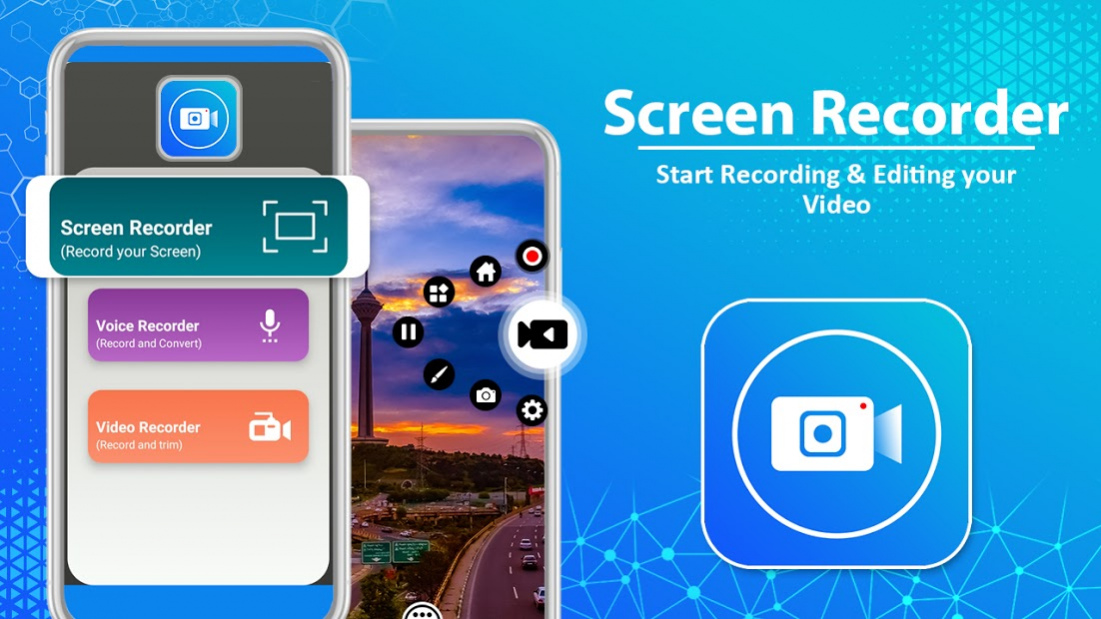

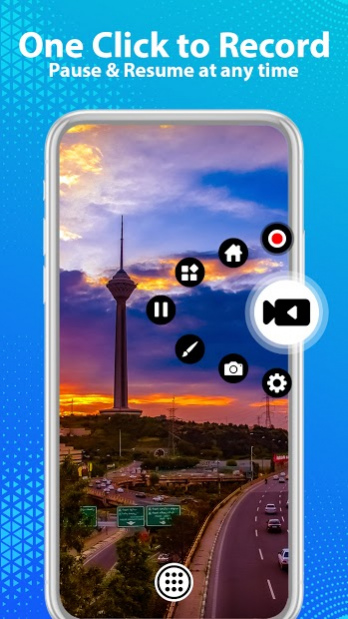

Screen recorder with sound is an awesome application for all kind of video and audio recording. You can record your mobile scree, video camera recorder, audio and all types. This video recorder is free and very essential screen recorder for your daily use. Screen recorder can be used to record screen activities of android smart phones. You can record your screen videos, games, movies, and almost all screen activities. Video screen recorder does not required internet connection to record any video.
Screen recorder with voice can used offline and record good quality videos. It is easy-to-use screen video recorder with audio that number of peoples peoples are using. With this application you can also able to give video training to anyone by making screen recording work with voice. This application is also a good platform to show anyone how to play any game complete missions, next stages by recording your mobile screen videos during playing. Voice recorder also have camera recorder contains different features and let discuss all these feature for the better use.
Features of Screen recorder with voice and without voice
- Very easy to record your HD videos by custom setting option
- Screen recording floating button for play and pause video recording
- Its floating button contains Pointing feature on the screen during recording
- Starting countdown timer for getting ready
- Video recording with good quality sound
- Separate Voice recorder
- Without watermark HD videos
This screen recorder has a high and good quality of screen recordings. Screen recording is available with sound or without sound. After capturing video, you can view the video gallery to watch recorded videos.
A spate voice recorder is added where you can record your clear audio. You can record your voices in normal and also it has feature to enable high quality recording. Voice recorder have tab for listen recorded voices. Everything is in your hands, just tap and enjoy this awesome screen recording and voice recorder. It fulfill your all needs of video and audio recording.
This amazing and awesome all kind of video and audio recorder where you can record videos and audio features in FREE. Suggestions and queries regarding this screen recording application with sound - Voice recorder will be highly appreciated and precious to us. So feel free to contact at support email and let us know your feedback. If you like then must share this application – with your friends and family. Be happy!
About Screen recorder / Video Screen Recorder
The company that develops Screen recorder / Video Screen Recorder is Power Apps Studio. The latest version released by its developer is 3.4.
To install Screen recorder / Video Screen Recorder on your Android device, just click the green Continue To App button above to start the installation process. The app is listed on our website since 2021-06-09 and was downloaded 0 times. We have already checked if the download link is safe, however for your own protection we recommend that you scan the downloaded app with your antivirus. Your antivirus may detect the Screen recorder / Video Screen Recorder as malware as malware if the download link to com.powerapp.screenrecorder.video.recorder is broken.
How to install Screen recorder / Video Screen Recorder on your Android device:
- Click on the Continue To App button on our website. This will redirect you to Google Play.
- Once the Screen recorder / Video Screen Recorder is shown in the Google Play listing of your Android device, you can start its download and installation. Tap on the Install button located below the search bar and to the right of the app icon.
- A pop-up window with the permissions required by Screen recorder / Video Screen Recorder will be shown. Click on Accept to continue the process.
- Screen recorder / Video Screen Recorder will be downloaded onto your device, displaying a progress. Once the download completes, the installation will start and you'll get a notification after the installation is finished.
Program Details
System requirements
Download information
Pricing
Version History
version 3.4
posted on 2021-06-09
Bugs fixed and application updated according to latest version
version 3.2
posted on 2020-08-25
New features added with updated and efficient performance for screen recording
version 3.0
posted on 2020-07-16
Upgraded to latest versions are removed bugs
version 2.1
posted on 2020-05-18
New updates and bugs removed
version 2.0
posted on 2020-05-12
Updated and bugs are removed
version 1.8
posted on 2019-12-19
Remove some bugs and modified
version 1.7
posted on 2019-12-05
updated version
version 1.6
posted on 2019-11-30
Minor bug fixed and new features added...
version 1.5
posted on 2019-10-30
Capture all kind videos & audios like screen recorder, camera, voice recording. Screenshot feature is added
version 1.4
posted on 2019-10-23
Remove bugs with enhancement of Quality
Additional features for this screen recorder app
Disclaimer
Official Google Play Link
We do not host Screen recorder / Video Screen Recorder on our servers. We did not scan it for viruses, adware, spyware or other type of malware. This app is hosted by Google and passed their terms and conditions to be listed there. We recommend caution when installing it.
The Google Play link for Screen recorder / Video Screen Recorder is provided to you by apps112.com without any warranties, representations or guarantees of any kind, so access it at your own risk.
If you have questions regarding this particular app contact the publisher directly. For questions about the functionalities of apps112.com contact us.
